



“Why is YouTube suddenly asking me to verify my account after I switched browsers?”
This is an issue that many YouTube creators, multi-channel managers, and business teams may encounter.
For example, you may have always used Chrome to log in to YouTube, then switched to another browser or created an entirely new browser profile. Even though you entered the correct account credentials, you may suddenly be asked to verify your identity again, be unable to use certain features, or even need to confirm that you are the person operating the account.
Many people immediately attribute the issue to the IP address, but in reality, Google's account security mechanisms do not look only at the IP address. When you log in from a new device, a new browser, or a new work session, Google may treat it as a new account session and require additional confirmation. Google also states officially that logging in from a new device, a new browser, or a new application may create a new account session.
Therefore, being asked to verify your identity after logging in to YouTube with a new browser does not necessarily mean that the account has violated any rules. More commonly, the account security system simply needs to confirm that “you are the person who initiated this login.”
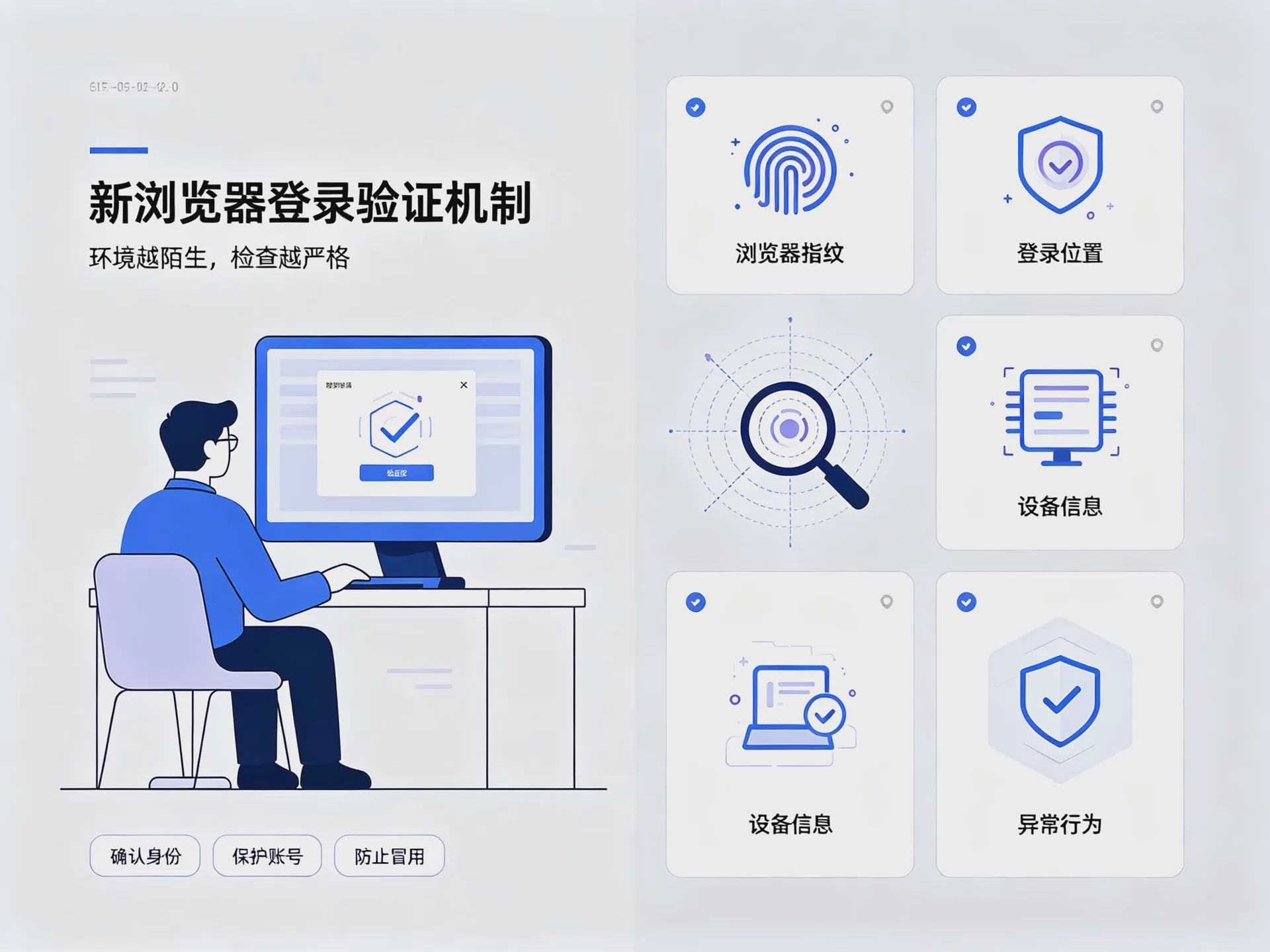
Why Are YouTube Users More Likely to Encounter Verification When Logging In with a New Browser?
1. A new device or browser environment
If a YouTube account has been used on the same computer for a long time and suddenly switches to another device, Google may regard this login as a new session.
This situation by itself does not indicate that there is a problem with the account. Google's device management page records different sign-in sessions, including new devices, new browsers, and incognito mode, making it easier for users to confirm which devices are currently accessing their accounts.
Therefore, when you log in to YouTube with a new browser for the first time, there is no need to be overly concerned if you see an additional verification prompt.
2. The login environment differs significantly from your usual usage patterns
In addition to the device itself, the login location, network environment, and recent account activity may all affect Google's security assessment of the login.
For example, if you normally use YouTube from a fixed location but suddenly log in from a completely different region while also changing your device and browser, the system may need to further verify whether someone else has used the account.
This is why some users suddenly encounter a login verification prompt even though they have merely “switched to another browser.”
3. The browser profile is brand new
A browser profile can be understood as an independent browsing environment. Different profiles can separately store cookies, website data, login status, and other browsing information.
When you create a brand-new profile, the website data from the original browser does not automatically carry over. To Google, this is a new sign-in session.
It is important to note that you cannot simply assume that “having no cookies means you will definitely be restricted.” Google has not publicly disclosed a fixed set of risk rules that users can use to assess their own situation, so a more reasonable interpretation is that a new browser profile may create a new login process, which in turn triggers additional security verification.
4. Frequently switching devices or accounts within a short period
If you only switch devices occasionally, you generally do not need to worry too much.
However, if you need to manage multiple YouTube channels and frequently switch between different devices and browser profiles, the entire account management process may become more complicated.
This is especially true when multiple accounts share the same browser profile, as cookies, login sessions, and website data can easily become mixed together, increasing the chance of operational errors.
What situations might occur after a YouTube account is restricted?
YouTube’s restrictions vary depending on the account status and the specific issue, so not everyone will see the same prompt.
Common situations include being asked to log in again, being asked to confirm your identity, being asked to enter a verification code, and temporarily being unable to use certain features.
In addition, YouTube has verification requirements for some features. For example, after completing phone verification, a channel can gain access to some intermediate features; certain advanced features require further channel history development or completion of other verification steps.
Therefore, when you encounter “Unable to use a certain feature,” the first step should be to confirm the specific reason displayed on the screen, rather than immediately assuming that the account has been blocked.
How to fix restrictions when signing in to YouTube from a new browser?
First, confirm whether you initiated the sign-in activity.
If you have just signed in to your own YouTube account from a new browser, first check the security notification received in your Google Account.
If the system indicates that this is a new sign-in activity, first confirm whether the device, time, and sign-in location match your activity. If you are sure it was you, simply follow the on-screen instructions to complete verification.
If you discover that you did not initiate this sign-in at all, do not simply ignore the notification. Instead, prioritize checking the security status of your account.
Second step: Check the devices signed in to your Google Account
You can open the security settings of your Google Account to see which devices or sessions are currently using your account.
Google officially states that the same device may also have multiple different sessions, and signing in on a new device, in a new browser, or in an incognito window may create a new session. You can view the relevant information through the device management page and sign out of devices you no longer use or do not recognize.
If you find an unfamiliar device or suspicious activity, it is recommended that you address the account security issue first before continuing to use YouTube.
Third step: Complete re-verification as required by YouTube
If YouTube asks you to verify your identity again, there is no need to repeatedly switch browsers or devices.
Simply follow the official instructions to complete verification. The re-verification methods officially provided by YouTube include security keys, Google prompts, backup codes, and text message verification through a recovery phone number that has already been set up.
If a message such as “Action blocked” appears, do not keep retrying. YouTube’s official guidance explains that, in some cases, an account may first need to build up a sufficient record of trusted use. For example, some devices may need to remain signed in to a Google Account for a period of time before you try the relevant operation again.
Fourth step: Confirm whether the account is actually at security risk
If you have not changed devices or used a new browser, but suddenly receive a login warning, the issue may not be limited to your browser profile settings.
At this point, you should check recent security activity, signed-in devices, your recovery phone number, and other account security settings.
If you find unfamiliar login activity, take immediate steps to protect the account, such as changing the password, removing unfamiliar devices, and enabling two-step verification.
YouTube also recommends that creators enable two-step verification, prioritize more secure verification methods such as Passkey, and set up account recovery options.
Why is it recommended to use separate browser profiles when managing multiple YouTube accounts together?
If you only have one personal YouTube account, you do not actually need to use complex browser tools specifically for logging in.
The users who truly need to consider browser profile isolation are those who manage multiple accounts over the long term.
For example, a company may operate a brand channel, a content channel, and YouTube channels for different regions at the same time; a marketing team may also need different members to be responsible for different accounts.
If all accounts are placed in the same browser profile, the most common issue is not that they will necessarily be restricted, but that account data can easily become mixed together.
For example, you might log in to the wrong account, have your Cookies overwritten, forget which account you are currently using, or even accidentally upload a video to the wrong channel.
By using separate browser profiles, different accounts can each have their own cookies, website data, and login status, making daily management clearer.
Can an anti-detect browser resolve YouTube login restrictions?
First, it is important to clarify a concept that is easily misunderstood.
An anti-detect browser is not a tool for guaranteeing that YouTube accounts will not be restricted.
It primarily addresses browser environment isolation when managing multiple accounts.
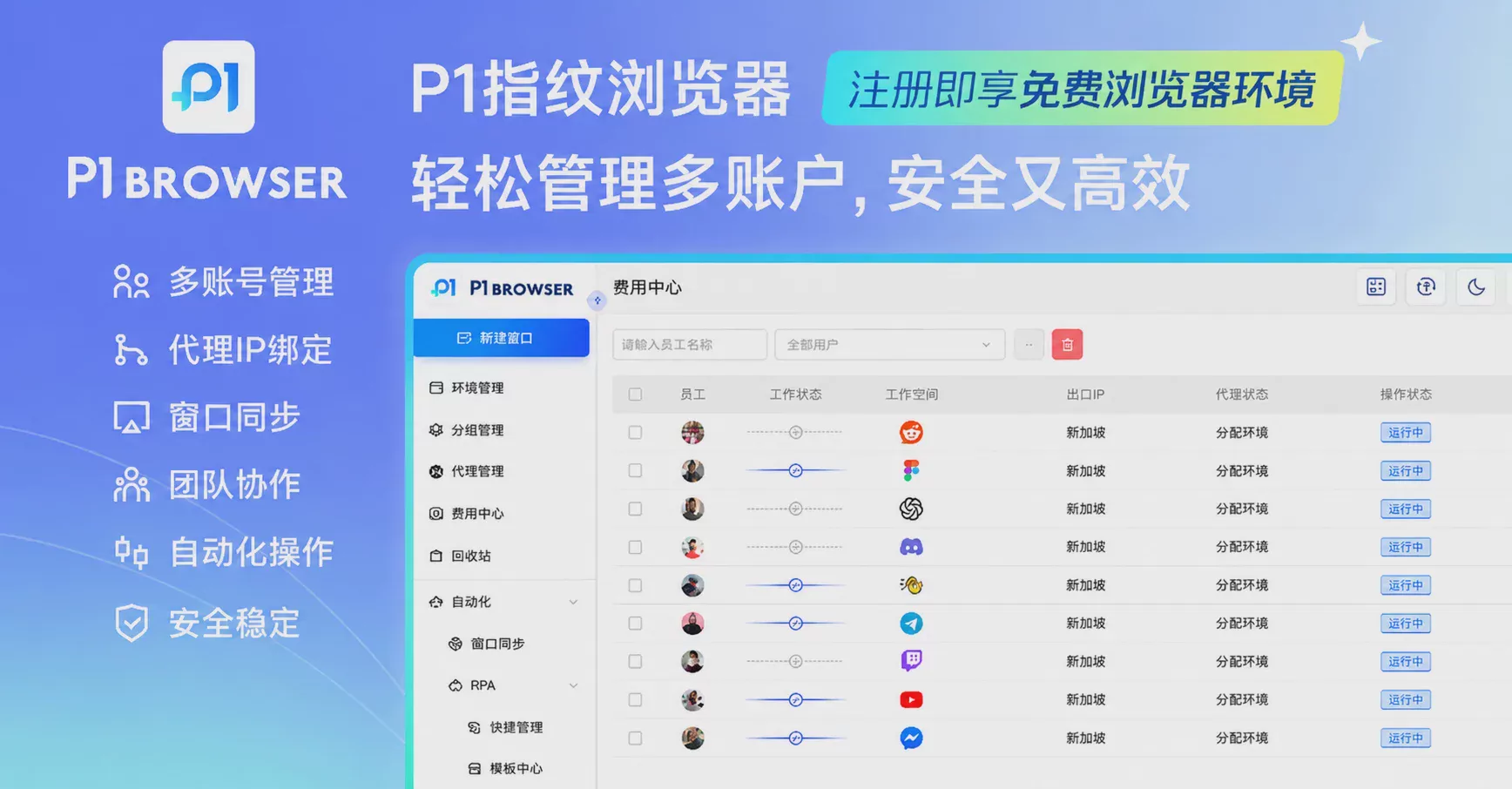
For example,P1 anti-detect browsercan create multiple independent browser profiles, allowing different accounts to use their own cookies, browsing data, and work environments. For teams that need to manage multiple YouTube channels, this can reduce management issues caused by mixing account data.
However, if an account itself violates YouTube policies or has suspicious login activity or security issues, simply changing browsers cannot resolve the root cause.
Therefore, the more appropriate way to use an anti-detect browser is to treat it as anaccount management and environment isolation toolrather than as a way to bypass YouTube's security verification.
How can you create a more stable workflow when managing multiple YouTube accounts?
If you need to manage multiple YouTube accounts over the long term, you can improve your daily operations in the following ways:
- Create a separate browser profile for each account.
- Avoid mixing the login data of multiple accounts in the same browser profile.
- Do not frequently log in to important accounts on unfamiliar devices.
- Maintain normal, consistent login and operating habits.
- Enable two-step verification for important Google accounts.
- Regularly check the devices signed in to your Google account and its security activity.
- When you notice an unfamiliar login, prioritize addressing the account security issue.
- When prompted for verification, complete the process according to YouTube's official procedure.
For enterprise teams, you can also further establish account naming conventions, permission assignments, and activity logs to prevent permission confusion when multiple people jointly manage accounts.
YouTube New Browser Login FAQ
Q1: Why does YouTube require verification after I switch browsers?
A new browser may create a new login session. Google determines whether further confirmation is required based on the account's security status, so being asked to verify after switching browsers does not necessarily mean that the account has violated any rules.
Q2: Are YouTube login restrictions necessarily caused by the IP address?
Not necessarily. The IP address is only one factor in the login environment. The device, browser, login session, and the account's recent security activity may all affect whether the system requires re-verification.
Q3: Can clearing cookies resolve YouTube login restrictions?
Not necessarily. Clearing cookies mainly affects the website's login status and stored data; it cannot directly remove account security restrictions. If YouTube has already asked you to verify your identity, the best approach is still to complete the verification through the official process.
Q4: Will using an anti-detect browser prevent YouTube from restricting my account?
No. Anti-detect browsers are mainly used to isolate browser profiles and manage multiple accounts. They cannot guarantee that an account will not encounter verification requirements or other platform restrictions. Whether the account itself complies with YouTube's terms of use remains the most important factor.
Q5: What should I do if YouTube displays “Action blocked”?
First, do not repeatedly attempt the same action. YouTube officially recommends following the re-verification process; in some cases, you may need to remain signed in to your Google account on a mobile device or in another trusted environment for a period of time before trying again. The specific steps should be based on the official prompt displayed at that time.
Summary: When logging into YouTube with a new browser, a stable environment is more important than repeatedly switching.
If verification appears after logging into YouTube with a new browser, it does not necessarily mean that the account has been locked.
In many cases, Google’s security system has simply detected a new device or a new login session and therefore requires the user to confirm their identity. Google itself officially provides security mechanisms such as device management, reauthentication, two-step verification, and account recovery, which users can prioritize when handling the issue.
If you only change computers occasionally, simply complete the verification normally; if you need to manage multiple YouTube channels, it is more important to focus on browser profile isolation, account data management, and team collaboration processes.
For multi-account operators, the truly effective approach is not to constantly look for ways to “bypass verification,” but to create a clear, stable, and easy-to-manage working environment.
P1 fingerprint browserIt can help multi-account users create independent browser profiles and separately manage the Cookies, website data, and login environments of different accounts, making daily account management clearer and more efficient.

