


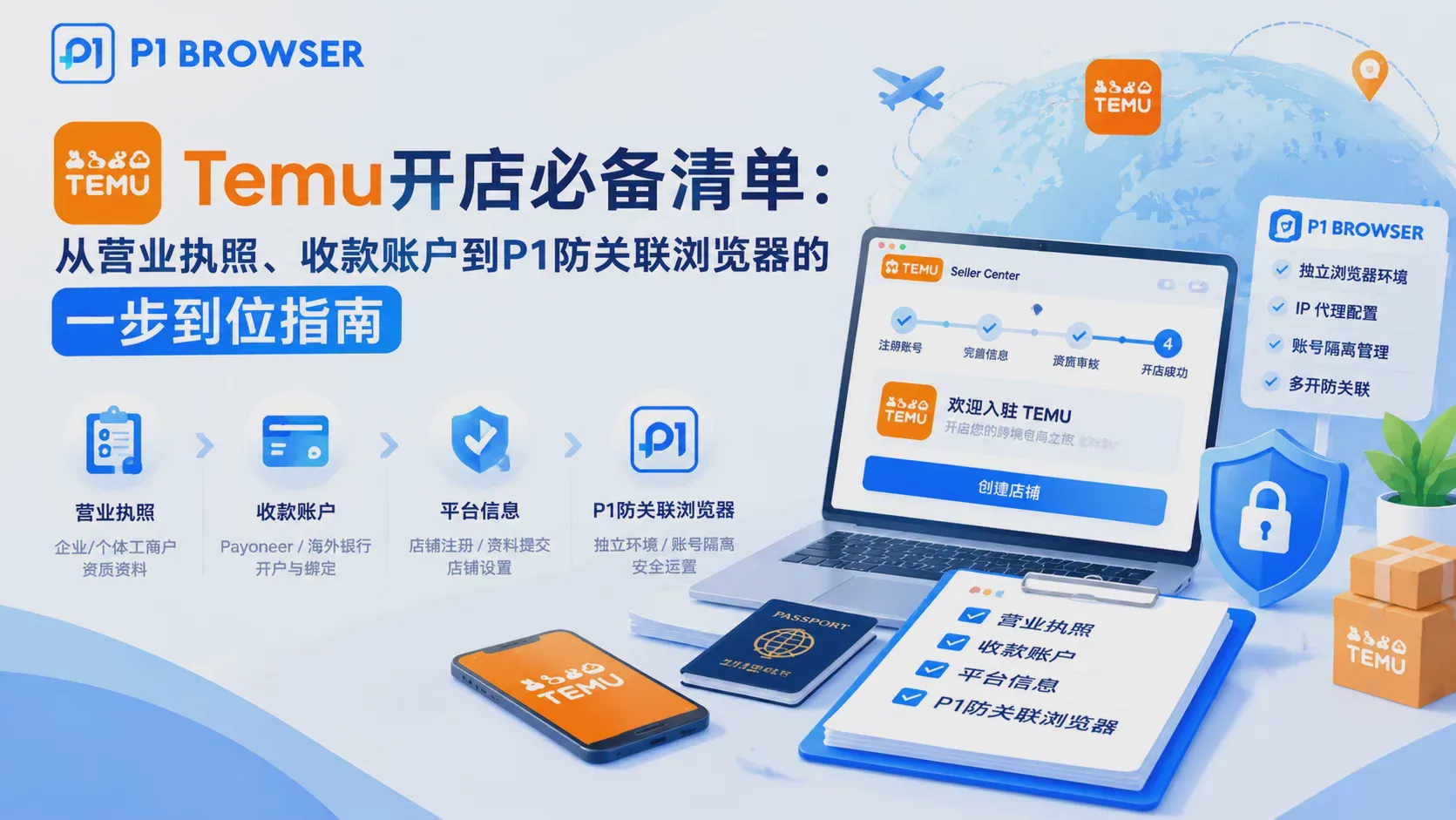
Temu Store Setup Checklist: Sellers Need to First Confirm They Meet the Following Thresholds
To open a Temu store, sellers must prepare the following three categories of core documents. Of the high-frequency reasons for application rejection, more than half are related to qualification document issues — the business license scope not matching the actual sales category, blurry ID photos of the legal representative, and the payout account name inconsistent with the legal representative. Checking the following list item by item helps avoid repeated revisions.
Seller Document Checklist: Mandatory Requirements for Business License, Legal Representative Information, and Payout Account
The following checklist is arranged in submission order. Checking each item carefully helps avoid repeated revisions. All documents must be color scans of originals or high-resolution photos, with a resolution of no less than 300dpi.
| Document Category, Specific Requirements, Common Errors | ||
| Business License | Within the validity period, business scope covers the listed sales categories, unified business license (three-in-one) | Expired, blurry photos, or business scope inconsistent with actual operations |
| Legal Representative's ID Card | Clear photos of both sides, within the validity period, and matching the legal representative on the business license | Using an ID card that is not the legal representative's, or photos with cropped edges |
| Payment Receiving Account | Corporate bank account or the legal representative's personal bank card, with the account name matching the legal representative | Using a third-party collection account, or an account name inconsistent with the legal representative |
| Contact Information | Valid mobile phone number + corporate email (not a personal free email) | Using a QQ email address, or a mobile number not registered under a real name |
| Brand Authorization (if applicable) | Trademark registration certificate or brand authorization letter, covering the products being sold | The authorization letter has expired, or the authorizing party is not the actual account holder. |
The receiving account step is where errors most frequently occur. Temu requires the settlement account to match the entity on the business license; using a third-party receiving platform (such as certain virtual accounts) can result in withdrawal failures or review delays. It is recommended to have a corporate bank account ready in advance, or to confirm that the legal representative's personal bank card is in good standing.
Temu Registration Process: The Complete Path from Site Selection to Account Activation
- Access the official onboarding page:Visit the Temu Seller Center (seller.kuajingmaihuo.com) and click "Join Now".
- Select site and entity type:Temu currently supports domestic sellers onboarding to the US site, EU site, and others. Select "Enterprise Store" or "Sole Proprietorship Store" and fill in the basic business information.
- Upload seller documents:Upload the business license, legal representative's ID, and receiving account information item by item according to the checklist. The system will perform format validation and provide immediate prompts if any requirement is not met.
- Identity verification and card binding:Complete the legal representative's facial recognition verification, bind the receiving account, and confirm that the settlement information is correct.
- Await review:The review period is typically 1-3 business days. During this time, keep your phone and email accessible, as you may be asked to provide additional documents.
- Account Activation and Store Setup:Once approved, log in to the seller dashboard, set up your store name, select your categories, and you'll be ready to start listing products.
Why Anti-Association Is Essential: Why Temu Sellers Need a P1 Anti-Association Browser
Temu's platform risk-control system detects association signals such as device fingerprints, IP addresses, and browser Cookies. Even if you only operate one store, sharing a home broadband connection or a company's outbound IP could affect the platform's trust score for your store, especially during the new-store phase. If your store is suspended due to association risk, it will directly impact your business operations.
Key Reminder:Even if you only run one store, it is recommended to use an independent network environment for registration and daily operations. Sharing a home broadband connection or a company's outbound IP may affect the platform's trust score for your store, especially during the new-store phase.
P1Browser Anti-Association Setup: An Environment Isolation Solution for Multi-Account Management
P1Browser uses fingerprint isolation technology to create an independent, untraceable browser environment for each Temu store account. Each environment includes separate parameters such as Canvas, WebGL, audio fingerprint, font list, timezone, and language, simulating a real user device to prevent the platform from identifying multi-account associations through technical means.
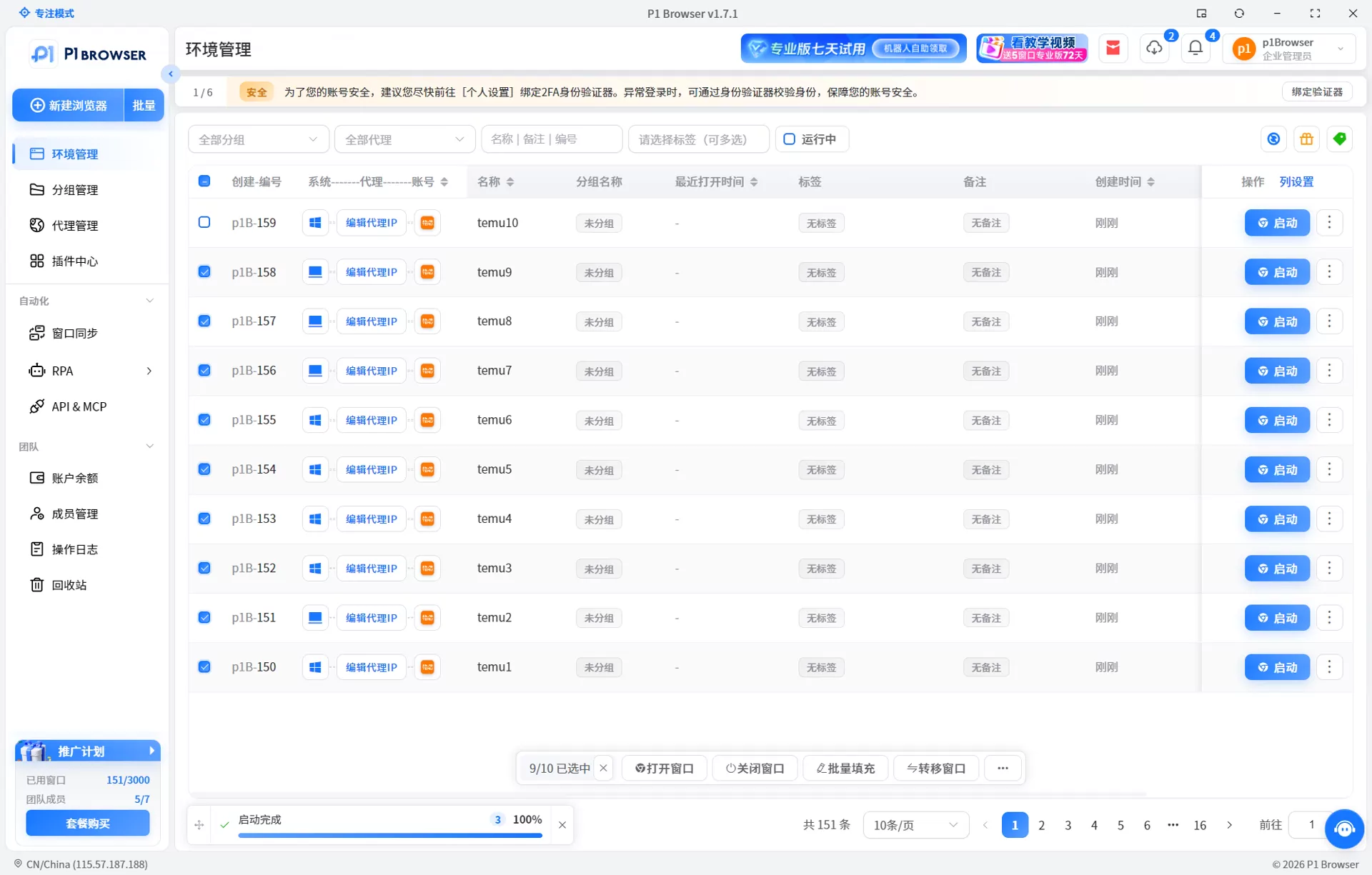
- P1Browser Multi-Store Setup Steps:Register and log in to P1Browser, then click "Create New Profile".
- Assign dedicated information for each Temu store: enter the store name and configure independent fingerprint parameters (which can be customized or randomly generated).
- Bind a dedicated residential proxy IP to each profile (it is recommended to select by country/region, consistent with the target markets of the US and European sites).
- In each respective profile, open the Temu seller dashboard, log in to the corresponding store account, and complete daily operational tasks.
- Use the "Bulk Operations" feature to manage repetitive tasks such as product listings and order processing across multiple stores simultaneously.
Many sellers wonder: Why not just use multiple instances of a regular browser?The Difference Between Fingerprint Browsers and Regular BrowsersThe difference is that the multi-instance approach of regular browsers (such as Chrome Profiles) can only isolate Cookies and some data, and cannot modify underlying fingerprint parameters; P1Browser, on the other hand, provides simultaneous isolation at the device, network, and behavior layers, forming a complete environment disguise.
Frequently Asked Questions
Is a deposit required to open a store on Temu?
Temu currently does not charge an opening deposit for new sellers, but it does charge a platform technical service fee based on the category. The specific rate is subject to the latest official policy. It is recommended to review the Temu Official Fee Guideor contact official customer support to confirm the latest policy.
Can I open a store if the scope of my business license does not include the category I intend to sell?
It is recommended to first update the scope of business on your business license to cover the target categories before submitting the application. For certain categories (such as food and medical devices), additional industry certifications are still required even after updating the business scope. Preparing these in advance can shorten the review process.
Can I log in to multiple Temu stores on the same computer?
Technically it is possible, but using a regular browser to run multiple sessions is strongly discouraged. When multiple accounts are logged in on the same device, the device fingerprint is recorded by the platform. If an anomaly occurs in one store, the others are at associated risk. Using a fingerprint isolation tool such as P1Browser allows you to safely operate multiple stores on the same computer.
How long should I wait after a registration rejection before resubmitting?
After a Temu application is rejected, you can resubmit. It is recommended to first identify the cause (incomplete documents, inconsistent information, restricted categories, etc.), make the necessary corrections, and wait 3-5 business days before resubmitting. Frequent resubmissions of the same type of error may be flagged by the system and affect subsequent reviews.
Do I need to purchase a separate proxy IP for each account when operating multiple stores?
Yes. Each Temu store account should be bound to a dedicated residential proxy IP to avoid the shared outbound IP being identified by the platform as a connection. P1Browser supports binding a different IP to each profile, ensuring full isolation at the network layer.

