


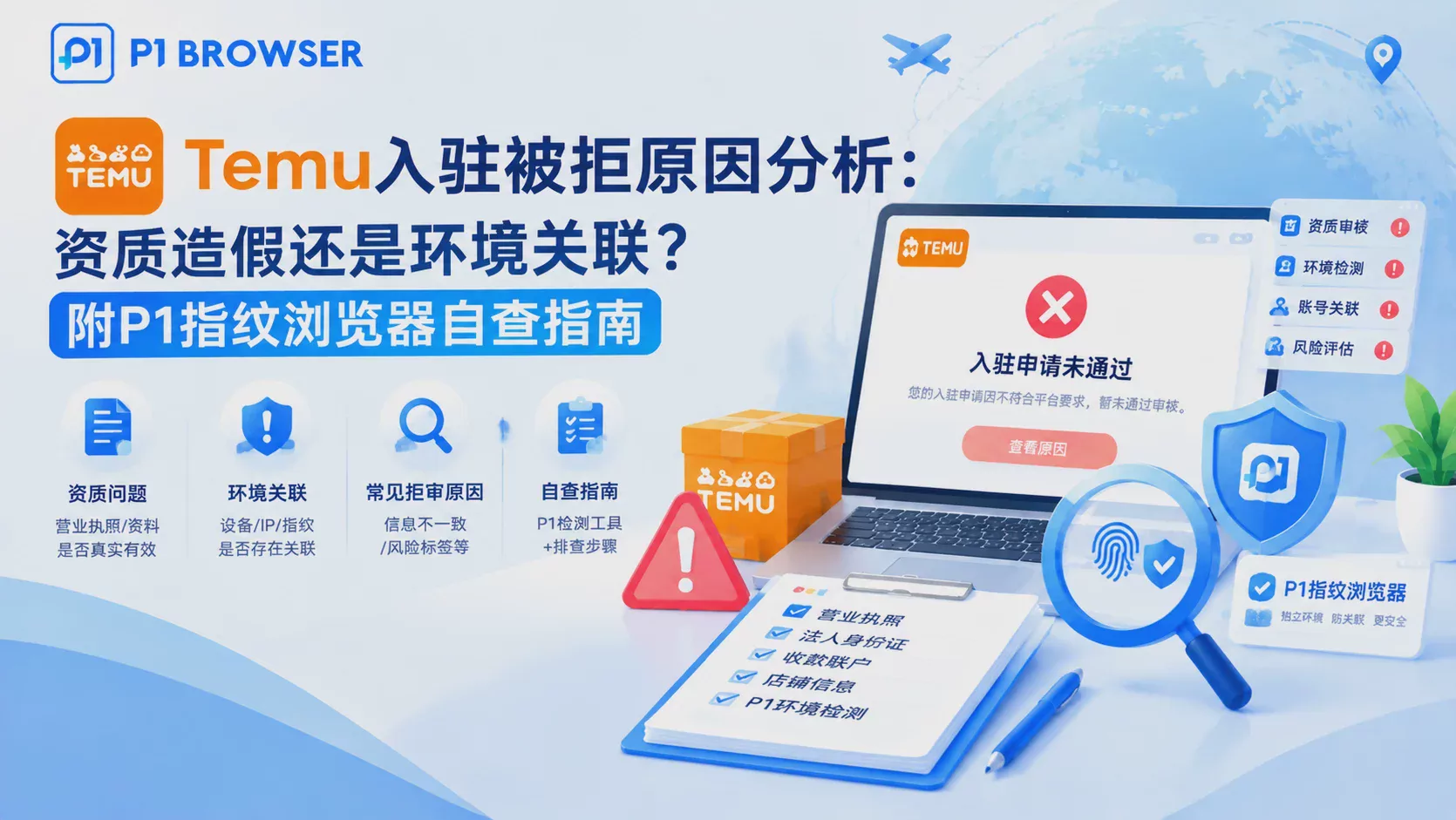
A Genuine Business License, Yet Still Rejected?
A seller in Guangzhou specializing in home goods and general merchandise submitted a valid business license, legal representative's ID, and payment account. After a two-week wait, they received a rejection notice citing "abnormal documentation." Despite carefully reviewing their business license information and confirming no falsification, they could not identify the specific reason for rejection. This scenario is not uncommon in Temu store applications.
Rejection does not necessarily mean document fraud. Temu's risk control system verifies not only the seller's documents themselves but also checks whether the application environment contains associated risk signals. When multiple parameters such as device fingerprints, IP addresses, and browser environments are combined, they may cause an originally clean application to be flagged as "abnormal" by the system.
Environment Association: The Most Overlooked Rejection Factor in Temu Reviews
The Temu platform has strict association detection mechanisms for multi-store operations. When the same device, IP address, or similar browser environment submits multiple store applications, the system triggers risk control alerts.
Device Fingerprint Association Signals
Browser fingerprint serves as the core basis for the platform to identify device identity, including Canvas fingerprint, WebGL rendering parameters, operating system version, screen resolution, font list, and other dimensions. Even on the same computer with different browsers used, the underlying device characteristics may still be identified as the same source. Using incognito mode or Chrome Profile multi-opening of regular browsers cannot effectively isolate fingerprint information.
IP Address Association Risks
IP is the second checkpoint of environment detection. When multiple accounts apply using the same IP or the same IP segment, the platform will mark them as associated accounts. A more complex situation is that even when using proxy IPs, if the proxy quality is unstable, the IP reputation score is low, or it has been used by other violating accounts, it will also trigger risk control. It is recommendedMulti-account Environment Isolationto choose stable residential IPs or dynamic IP pools when making selections, and strictly follow the principle of one store per IP.
Browser Environment Parameter Leakage
In addition to devices and IPs, parameters such as browser language settings, time zones, Cookie storage habits, and WebRTC interfaces may expose multi-opening behavior. If two accounts use the same browser language and environment parameter combinations, the risk control model will determine them as the same operator.
Seller Document Review: The Hard Red Lines of Temu Entry Requirements
Qualification fraud is indeed a high-frequency reason for Temu store application rejections, but most sellers' "document issues" are not intentional fraud but rather misunderstandings of the entry requirements.
Consistency Between Business License and Legal Representative
Temu requires that the submitted business license information must be authentic and valid, and the legal representative information must completely match the identity proof documents submitted subsequently. Common issues include: the business license has changed legal representatives but the application information has not been updated, the business license scope does not meet Temu's category requirements, the business license is newly registered and has no actual business records, etc.
Matching Between Legal Representative ID and Payment Account
The legal representative ID card must correspond to the business license information, and the payment account name must match the legal representative's name. Using someone else's ID card or third-party accounts for settlement will directly trigger document abnormality reviews.
Implicit Thresholds in Temu Entry Requirements
In addition to hard documents, the platform also considers the following factors: whether the category selection of the applied store matches the seller's historical business capability, whether the application time is abnormally concentrated (such as a large number of applications in the same period), whether the store name involves brand words or infringing words, etc. These details are often easily overlooked by beginners.
From the perspective of review logic,Common Reasons for TikTok Shop Review Failureare highly similar to Temu — platform risk control covers three dimensions of "document authenticity + environment association + historical behavior", and sellers can learn from the relevant troubleshooting approach.
P1 Fingerprint Browser Self-Check Guide: Troubleshoot Your Environment Risks
Before applying for a Temu store, using a fingerprint browser for environment self-check can quickly discover potential association risks. The following are operable troubleshooting steps:
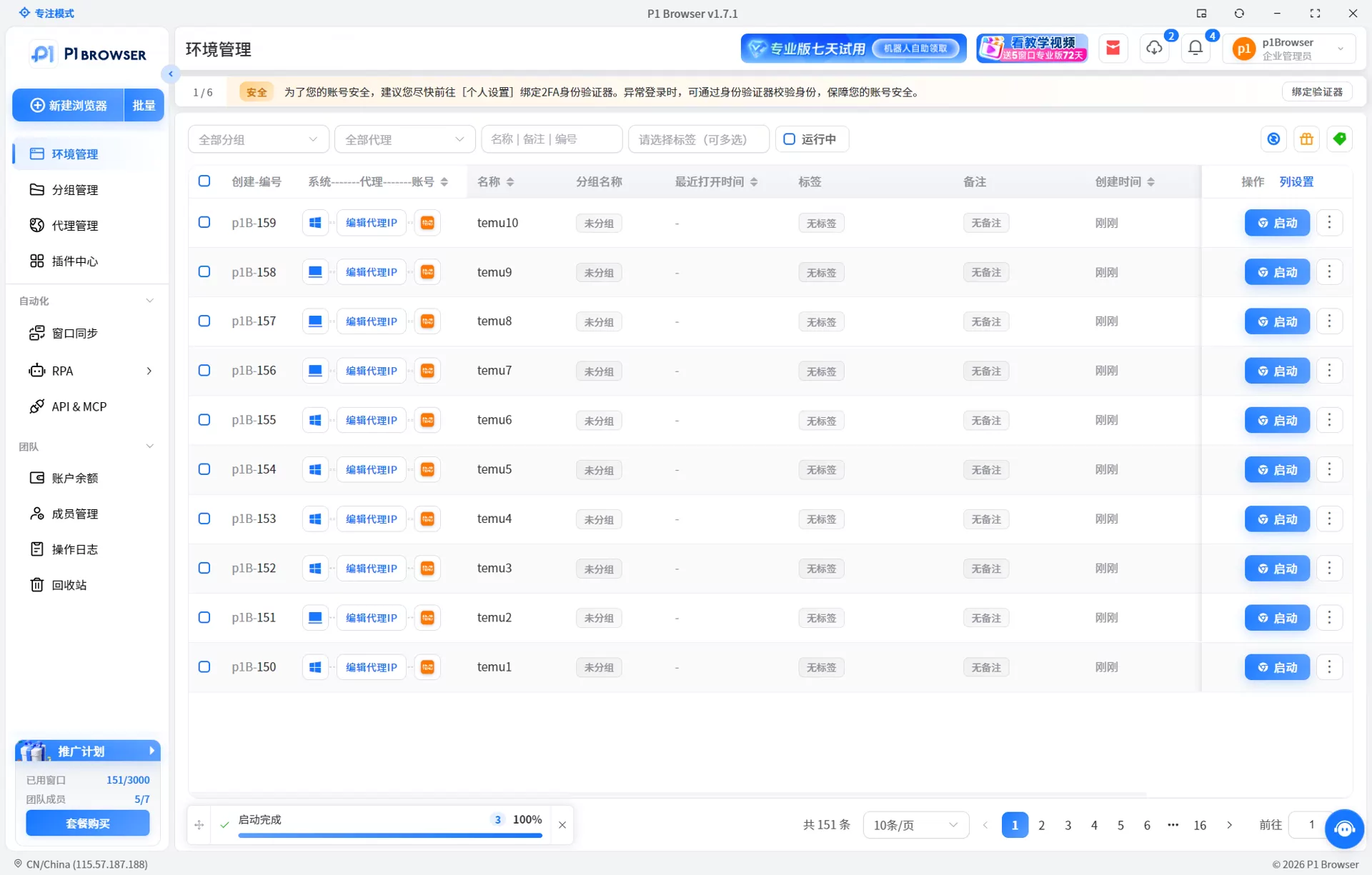
- Check browser fingerprint cleanliness: Open P1Browser, create a new independent environment, run the environment detection tool, and confirm whether core fingerprint parameters such as Canvas, WebGL, and font library are complete and unique. If the fingerprint parameters are highly similar to other environments, it indicates that the isolation is not thorough enough.
- Verify proxy IP status: In the configured proxy environment, check whether the IP address is consistent with the actual geographic location, whether the IP reputation score is normal, and whether it has been marked as a data center IP or a known proxy node.
- Compare browser environment parameters: Check the User-Agent, language settings, time zone, screen resolution and other parameters of the current environment one by one to ensure that they are consistent with the localization settings of the target market, while confirming that the parameter combination has not been reused by other environments.
- Check Cookies and local storage: Confirm that there are no residual Cookies or LocalStorage data in the new environment. These historical traces may associate new accounts with old accounts.
- Save environment snapshot: After completing the environment configuration and confirming that there is no error, save the environment configuration to avoid parameter drift caused by subsequent erroneous operations.
Account Management Strategy for Temu Multi-store Operations
For sellers who already have Temu stores and want to expand to multiple stores, the key to account management lies in the balance between isolation and efficiency. The core principle is: each store uses an independent device environment, independent IP address, and independent browser configuration, and there is no cross-reuse between the three.
P1Browser's multi-store isolation solution can help sellers safely run multiple independent environments on the same computer. Each environment has independent fingerprint parameters and proxy configurations. The system automatically completes Cookie isolation and parameter management without manual maintenance. Compared to Chrome Profile multi-opening,P1Browser Multi-store Efficient Management Solutionis more guaranteed in terms of fingerprint isolation depth and batch operation efficiency.
In team operation scenarios, P1Browser supports multi-member collaborative management of environment configurations, and environment access permissions and operation logs can be set to help sellers improve team collaboration efficiency on the premise of safe isolation. If you have not used a fingerprint browser yet, it is recommended to first understand the basic principles ofBrowser Fingerprints and Anti-association Technologiesto avoid equating ordinary browser multi-opening with secure isolation.
Common Questions
After the Temu store application is rejected, will the failure of the first application affect the second application?
The rejection itself will not affect subsequent applications, but environment association signals will accumulate. If the same device or IP applies multiple times within a short period of time and the environment parameters have not changed, the risk control system will increase the strictness of the review. It is recommended to troubleshoot and repair environmental risks before submitting a new application.
Can a company register multiple Temu stores?
Official policies allow the same entity to apply for multiple stores, but different stores need to use independent device environments and IP addresses, and there must be reasonable reasons for multi-store operations (such as different categories and different operation teams). Otherwise, it may be judged as repeated store opening due to association risks.
How long does it take for Temu store entry? How long after the review is rejected can I re-apply?
The normal review cycle is 3 to 7 working days. Document supplements or reviews may be extended to 10 working days. After the review is rejected, it is recommended to wait at least 7 days before making the next application, and complete the environmental self-check and document revision during this period.
What is the difference between ordinary browser multi-opening and P1 fingerprint browser?
Ordinary browser multi-opening (such as Chrome Profile) can only isolate Cookies and basic browsing data, and core association signals such as device fingerprints and IPs are still shared. Fingerprint browsers achieve more thorough environment isolation by independently simulating device parameters and network environments.
When operating multiple Temu stores, how to avoid account association leading to mass bans?
The core strategy is triple isolation at the device layer, network layer, and behavior layer: each store uses an independent fingerprint environment, independent IP, and independent operational behavior rhythm. P1Browser combined with stable proxy IPs can meet the above isolation requirements.

