



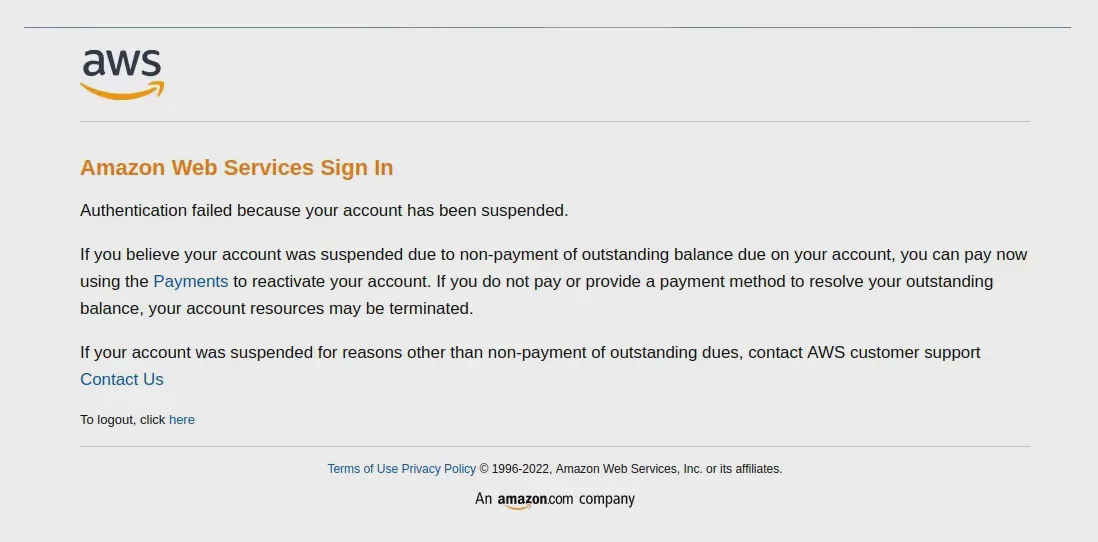
For Amazon sellers, their account is the core asset of store operations. Once the Seller Account is suspended (Suspended), it can affect not only product sales but also orders, funds, and brand operations.
Amazon evaluates seller account security based on multiple factors, including product quality, account performance, login environment, and whether there are any irregularities. Therefore, understanding the common reasons for account suspension and how to create a more stable operating environment are essential skills that every cross-border seller needs to master.
Why is an Amazon Seller Account suspended?
Amazon account suspensions are usually not caused by a single factor. Instead, the platform makes a comprehensive assessment based on account behavior, transaction performance, and security risks. The following are several common reasons:
1. Product or policy violations
Amazon has very strict requirements for product compliance. Sellers may receive a warning or even have their accounts suspended if they sell restricted products, use inaccurate product descriptions, or violate platform policies.
2. Account performance indicators do not meet requirements
Amazon continuously monitors sellers’ service quality, including the order defect rate, late shipment rate, cancellation rate, and customer complaints.
If a seller is unable to maintain good performance over an extended period, the platform may restrict their selling privileges.
3. Abnormal login environment or account association issues
Many Amazon sellers manage multiple stores at the same time, such as stores on different marketplaces, brand accounts, or test accounts.
If multiple accounts use the same device environment, browser information, or network conditions over an extended period, the risk of the accounts being identified as associated may increase.
4. Identity verification or documentation issues
Amazon may require sellers to provide company information, proof of identity, invoices, or other operational documents for verification.
If the submitted information is incomplete or inconsistent, the account may enter a review status.
What should you do after your Amazon account has been suspended?
1. Review the notification sent by Amazon
After receiving an account suspension notification, the first step should be to carefully read the Performance Notification sent by Amazon and confirm the specific reason.
Different reasons require different approaches. For example, product issues, performance issues, and account verification issues each require different solutions.
2. Submit a Complete Plan of Action
If it is confirmed that the account has an issue, the seller can submit appeal documents as required by Amazon.
An effective Plan of Action usually needs to include:
- An analysis of the root cause of the issue
- Improvement measures already taken
- Methods to prevent the issue from happening again in the future
3. Optimize Daily Account Management Environments
In addition to addressing issues that have already occurred, creating a stable and secure account operating environment is also an important way to reduce operational risks.
How Can You Reduce the Risks of Managing Multiple Amazon Accounts?
For cross-border e-commerce teams, managing multiple accounts has become a common requirement. However, traditional browsers typically cause different accounts to share the same browsing environment, including cookies, browser fingerprints, and device information.
This makes it easy to confuse environments when managing multiple Amazon Seller Accounts.
Create separate account environments with P1 Browser
P1 Browser provides independent browser Profile management, allowing each account to have its own separate operating environment.
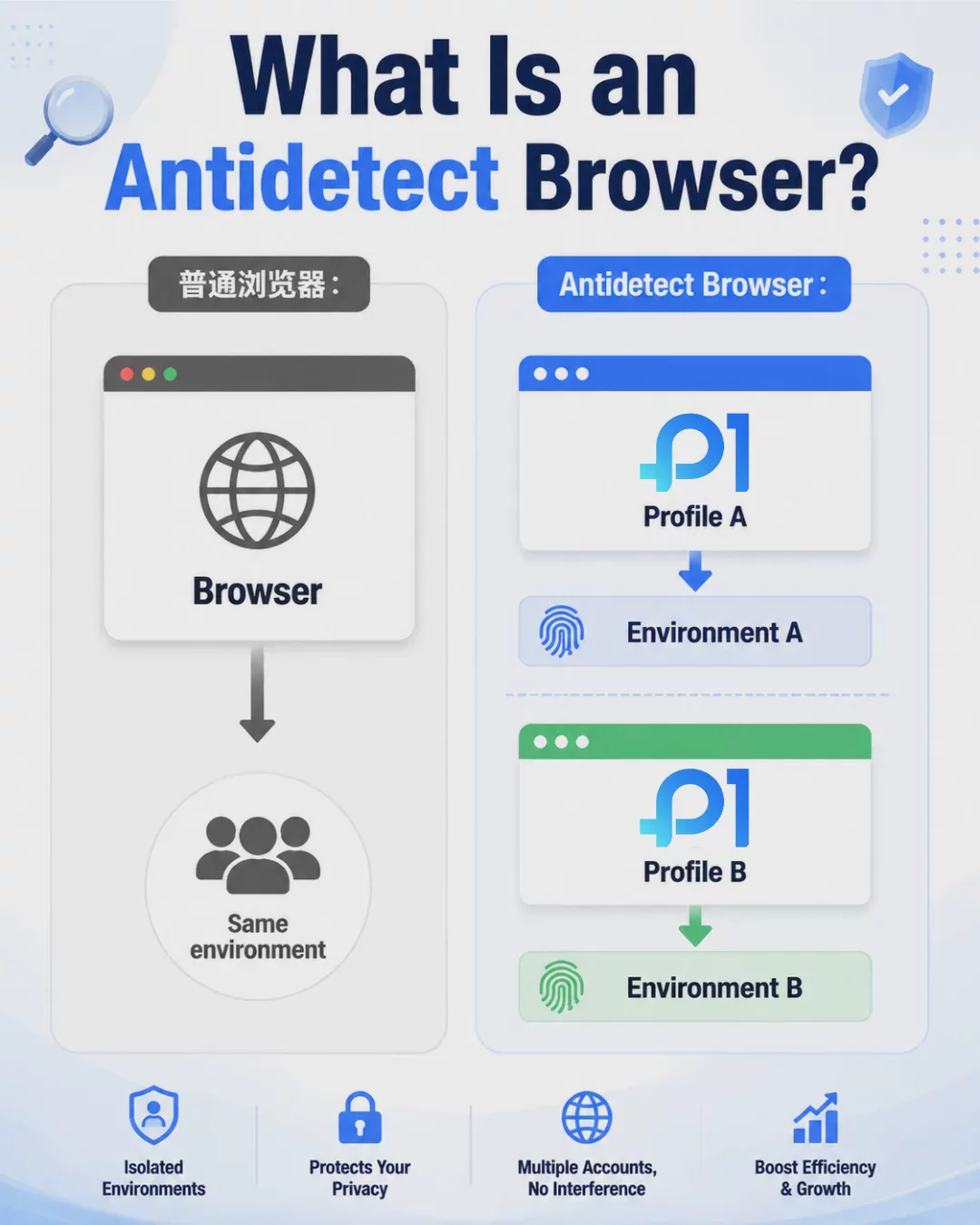
Each Profile can independently manage browser fingerprints, Cookies, proxy settings, and login data, making it convenient for sellers and team members to manage different e-commerce accounts.
- Create multiple independent browser environments
- Manage different Amazon store Profiles
- Support team permission collaboration
- Reduce confusion when operating multiple accounts
How can Amazon sellers create a more stable operational workflow?
Account security relies not only on a single tool but also on good operational practices.
Sellers can improve the quality of account management in the following ways:
- Regularly check Amazon Account Health
- Keep product information accurate
- Avoid violating platform policies
- Create clear account management procedures
- Configure separate operating environments for different accounts
Conclusion
Amazon Seller Account suspension can have a significant impact on cross-border e-commerce businesses, so it is very important to manage accounts and operating environments properly in advance.
By understanding the reasons for Amazon suspension, establishing a comprehensive appeal process, and using professional tools to manage multi-account environments, sellers can maintain their e-commerce businesses more efficiently.
P1 Browser helps cross-border sellers create clearer and more secure account management practices, allowing teams to focus more on products, sales, and brand growth.

