


As TikTok has become an important global community marketing and e-commerce platform, an increasing number of cross-border e-commerce sellers, brands, and overseas marketing teams have begun using TikTok for product promotion, brand exposure, and traffic acquisition.
However, when a business grows from a single TikTok account to multiple accounts, multiple advertising accounts, and collaborative management by multiple people, how to effectively organize assets, allocate permissions, and improve operational efficiency has become an important issue faced by many businesses.
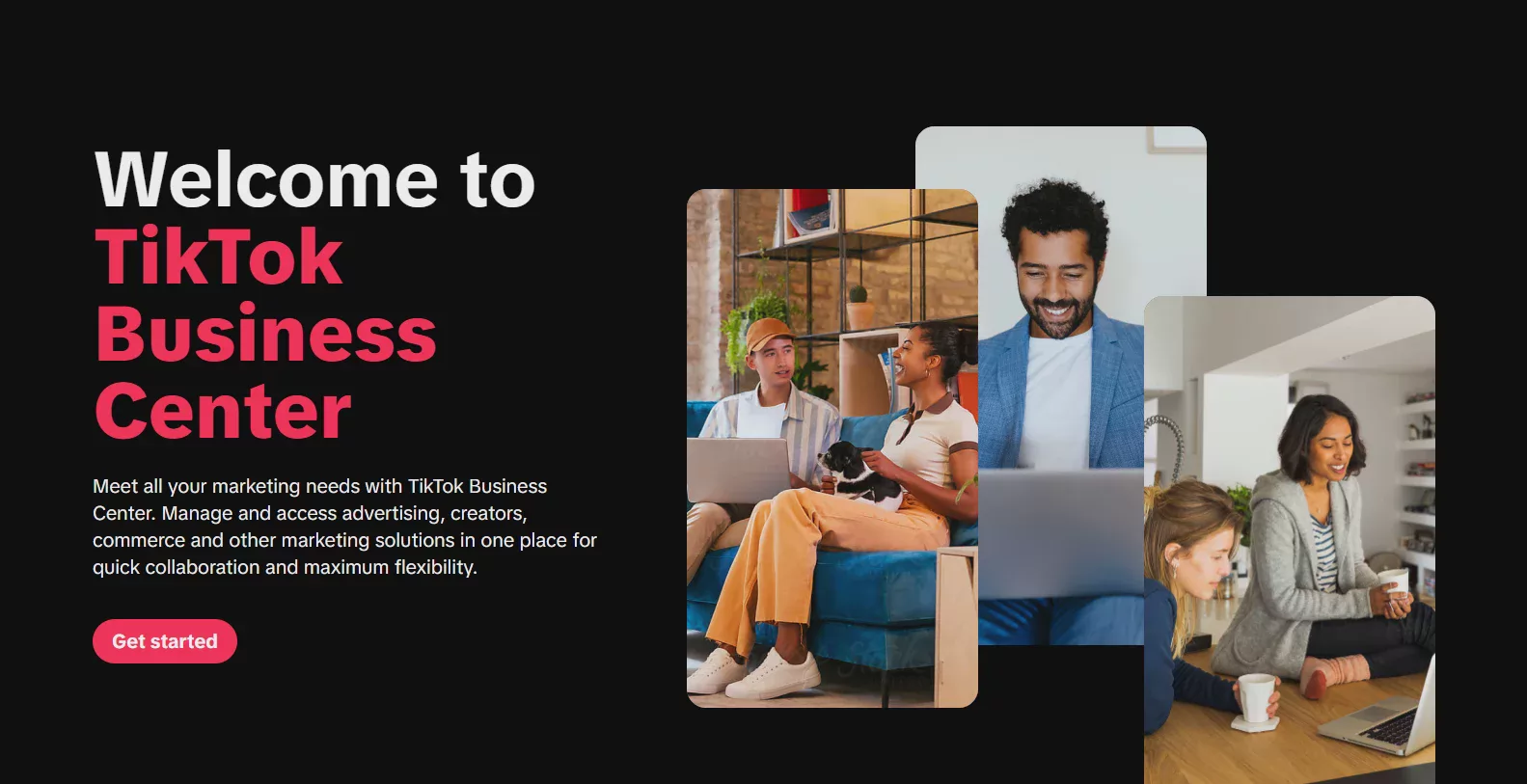
TikTok Business Center (TikTok Business Center) is an enterprise-level management platform launched specifically to address these needs. Through TikTok Business Center, businesses can centrally manage TikTok advertising accounts, user permissions, assets, and data analysis, enabling teams to execute overseas marketing strategies more efficiently.
What Is TikTok Business Center?
TikTok Business Center is an asset management platform officially provided by TikTok for businesses, advertising agencies, and marketing teams. Similar to business management tools on other community platforms, it can help businesses consolidate different TikTok resources into the same management backend.
For general individual users, one TikTok account may be sufficient; but for cross-border e-commerce businesses, it is typically necessary to manage multiple types of assets simultaneously, including brand accounts, TikTok Shop store accounts, advertising accounts, and creator collaboration resources.
Without effective management tools, operating multiple accounts can easily lead to permission confusion, scattered data, and reduced team collaboration efficiency. TikTok Business Center can integrate these resources and create clearer business management processes.
Why Do Cross-Border E-Commerce Businesses Need TikTok Business Center?
In recent years, TikTok Shop has grown rapidly in global markets, and many cross-border sellers have begun reaching overseas consumers through short-form video content, livestream shopping, and advertising.
In practice, a brand typically manages more than one TikTok account. For example:
- Different national markets require different TikTok accounts
- Different product lines require separate content accounts
- Advertising tests require the creation of multiple ad accounts
- Business teams need multiple people to manage operations together
- Agencies need to serve multiple clients at the same time
As a result, multi-account management has become an important need for overseas marketing teams.
TikTok Business Center helps businesses centrally manage different accounts and advertising resources, allowing teams to avoid frequently switching between individual login credentials while making it easier to control the operating permissions of different members.
Introduction to the Main Features of TikTok Business Center
1. Centralized Management of TikTok Advertising Accounts
One of the most important features of TikTok Business Center is helping businesses manage multiple TikTok Ads advertising accounts.
For cross-border e-commerce sellers, different markets typically require different advertising strategies. For example, the US market, Southeast Asian markets, and European markets may require different creative testing and advertising approaches.
Through Business Center, businesses can centrally manage multiple advertising accounts, review advertising data, adjust advertising strategies, and improve overall marketing efficiency.
2. Multi-User Collaboration and Permission Allocation
As a business grows, TikTok account management is typically no longer handled by a single person, but jointly completed by media buyers, content editors, designers, and managers.
TikTok Business Center provides detailed role and permission settings, allowing businesses to assign operational permissions based on different positions.
For example:
- Managers: responsible for overall asset management
- Advertising staff: responsible for creating and optimizing advertising campaigns
- Content team: responsible for video production and account operations
- Partners: responsible for specific project operations
This permission management approach can reduce the management issues caused by account sharing and also make it easier for businesses to create standardized workflows.
3. Managing TikTok Accounts and Creator Resources
In addition to advertising accounts, TikTok Business Center also supports businesses in managing different types of TikTok assets.
For brands, the platform can be used to manage official accounts, partner creators, and marketing campaign resources.
Especially as TikTok Influencer Marketing becomes increasingly popular, businesses need a more efficient way to manage large volumes of partnership information. Business Center provides a more convenient way to collaborate.
4. Centralized Management of Advertising Data and Assets
Data analysis is an important factor in the success of TikTok marketing.
Businesses need to understand the performance of different creatives, audiences, and markets through advertising reports.
TikTok Business Center can help businesses view relevant data in one place, making it easier for marketing teams to adjust their strategies based on data rather than relying on experience to make decisions.
How to Create a TikTok Business Center?
The process of creating a TikTok Business Center is relatively straightforward, and businesses can complete the setup by following the steps below:
- Log in to the official TikTok Business Center platform
- Create a business management account
- Enter basic business information
- Add a TikTok advertising account
- Invite team members to join
- Set permissions for different roles
Once the setup is complete, the business can begin managing its TikTok assets.
Common management issues when operating multiple TikTok accounts
Although TikTok Business Center provides comprehensive business management features, managing multiple accounts still presents certain challenges in actual cross-border e-commerce operations.
For businesses operating multiple TikTok Shop stores, accounts in different country markets, or multi-brand account portfolios, in particular, it is necessary not only to manage backend assets but also to maintain an independent and stable operating environment for each account.
1. Managing operating environments across multiple accounts
When many businesses initially operate multiple TikTok accounts, they typically use the same device to log in to different accounts.
However, as the number of accounts increases, teams need to consider how to create clearer account management processes, including the login environment for different accounts, browser settings, and ways of collaborating as a team.
Professional multi-account management typically involves creating an independent browsing environment for each TikTok account to avoid making management more difficult due to a chaotic device environment.
2. Issues with multiple team members operating accounts
Cross-border e-commerce teams typically include multiple roles, such as:
- The advertising team is responsible for running TikTok Ads campaigns
- The content team is responsible for video production
- The customer service team is responsible for daily interactions
- Operations staff are responsible for store management
If everyone uses the same login credentials, management efficiency will be lower, and unclear permission allocation can easily occur.
Therefore, businesses typically need to combine TikTok Business Center with professional account management tools to create a more standardized workflow.
How can a fingerprint browser improve the efficiency of TikTok multi-account management?
When enterprises begin operating multiple TikTok accounts at scale, they need to pay attention to browser environment management in addition to relying on TikTok Business Center to manage assets.
A fingerprint browser (Antidetect Browser) is a type of tool specifically designed to manage multiple independent browsing environments and can create separate browser profiles for different accounts.
Traditional browsers typically share cookies, browser settings, and certain device information, whereas fingerprint browsers can help enterprises create different browsing environments, making it easier for teams to manage multiple online identities.
How Does P1 Browser Assist with Multi-Account TikTok Operations?
P1 Browser is a fingerprint browser tool designed for cross-border e-commerce businesses, overseas marketing teams, and multi-account operators.
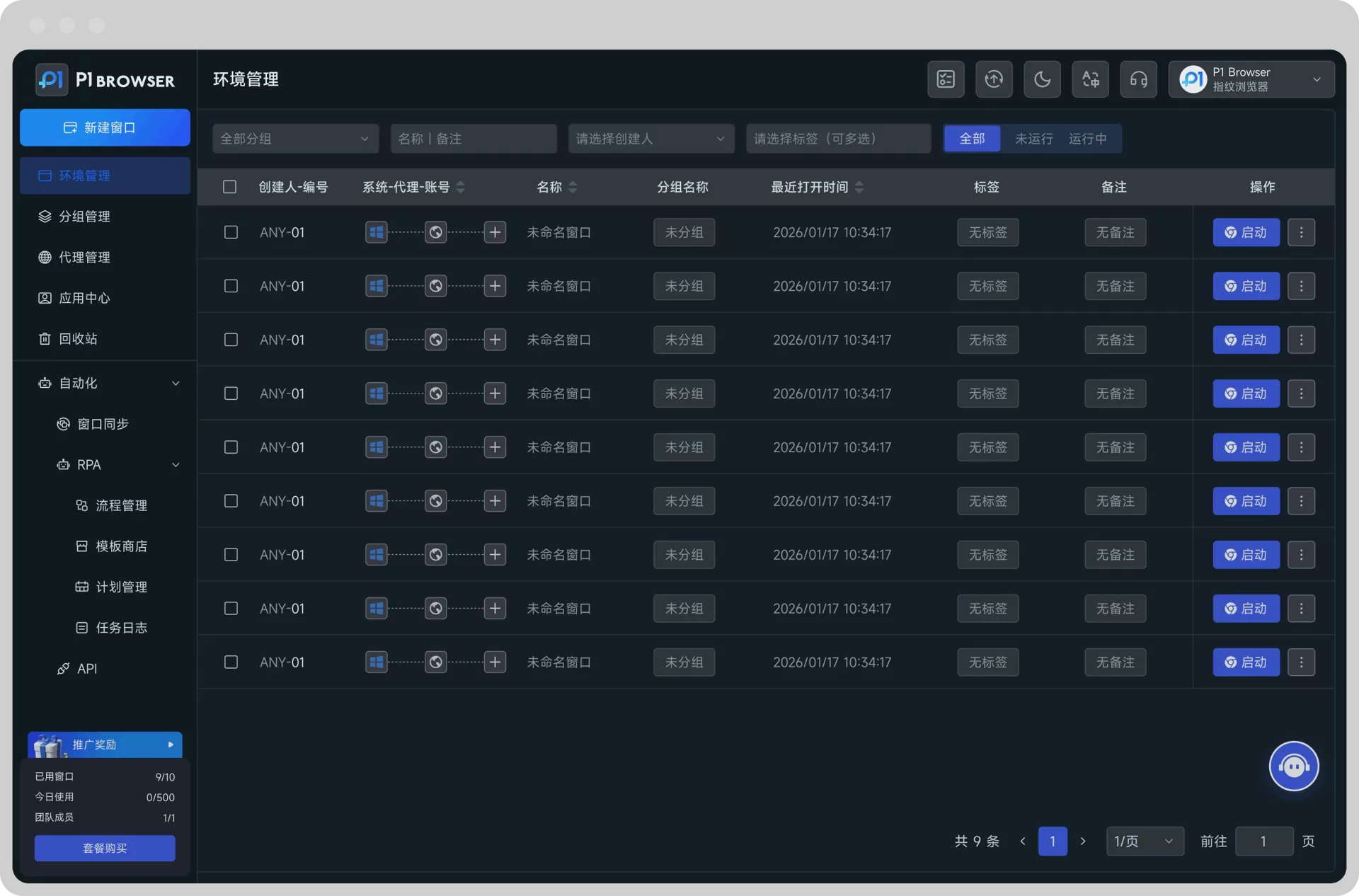
With P1 Browser, users can create multiple independent browser environments and configure separate browser data for different TikTok accounts, including cookies, browser parameters, and operating environments.
For enterprises that need to manage multiple TikTok accounts, this approach can help teams organize account resources more efficiently.
- Create independent TikTok account environments
- Make it easier for teams to assign operating permissions for different accounts
- Centrally manage multiple browser configurations
- Improve collaboration efficiency for cross-border e-commerce teams
- Reducing the Complexity of Multi-Account Management
It should be noted that a fingerprint browser is not a tool for replacing TikTok Business Center, but rather an auxiliary tool in the enterprise multi-account management process.
TikTok Business Center addresses enterprise asset and permission management, while a fingerprint browser primarily assists in managing the browsing environments of different accounts. Together, they can form a more complete TikTok multi-account operations solution.
How to Combine TikTok Business Center with a Fingerprint Browser
For cross-border e-commerce enterprises, a complete TikTok multi-account management process usually includes the following components:
- Use TikTok Business Center to Manage Enterprise Assets
Centrally manage advertising accounts, team members, and partner resources. - Use Independent Browser Environments to Manage Different Accounts
Create an independent working environment for each TikTok account. - Create Standardized Operating Procedures
Standardize team members’ login, content publishing, and advertising operations. - Continuously analyze data and optimize strategies.
Adjust operational direction based on TikTok advertising data and content performance.
Best practices for businesses using TikTok Business Center
To fully leverage the value of TikTok Business Center, businesses can refer to the following points:
Regularly review account permissions
When team members change, promptly adjust their access permissions in Business Center to avoid unnecessary account management risks.
Create clear account categorization methods
Businesses are advised to categorize and manage TikTok accounts by market, product, or business type, for example:
- US market account
- Southeast Asia market account
- Official brand account
- Test content accounts
Pairing them with professional tools to improve efficiency
As the number of accounts increases, relying solely on manual management can consume a significant amount of time.
By combining TikTok Business Center, data analytics tools, and an anti-detect browser, businesses can build a more efficient overseas community operations system.
Frequently Asked Questions FAQ
Q1: Is TikTok Business Center free to use?
Yes, TikTok Business Center itself can be created free of charge. Businesses can use the platform to manage TikTok ad accounts, team members, and related assets.
Q2: Can TikTok Business Center manage multiple TikTok accounts?
Yes. TikTok Business Center is primarily designed for businesses and teams, and can help manage multiple ad accounts and related business assets.
Q3: Is an anti-detect browser necessary for managing multiple TikTok accounts?
If you only manage a small number of accounts, a regular browser may generally be sufficient. However, for cross-border e-commerce teams, advertising agencies, and businesses that need to manage a large number of accounts, using a professional anti-detect browser can improve account management efficiency.
Q4: What TikTok scenarios can P1 Browser be used for?
P1 Browser is suitable for users who need to manage multiple overseas community accounts, TikTok Shop stores, ad testing accounts, and cross-border e-commerce operations.
Conclusion: Create a More Efficient TikTok Multi-Account Management Workflow
As TikTok e-commerce and overseas marketing continue to develop, businesses will face an increasing need for multi-account management.
TikTok Business Center provides enterprise-level asset management capabilities, helping teams centrally manage ad accounts, user permissions, and marketing resources.
For cross-border sellers who need to operate TikTok accounts at scale, creating an independent, stable, and highly efficient browsing environment is also an important step toward improving operational efficiency.
By combining TikTok Business Center with professional tools such as P1 Browser, businesses can build a more comprehensive TikTok multi-account management solution, making overseas market expansion more organized and efficient.

