



I. Introduction
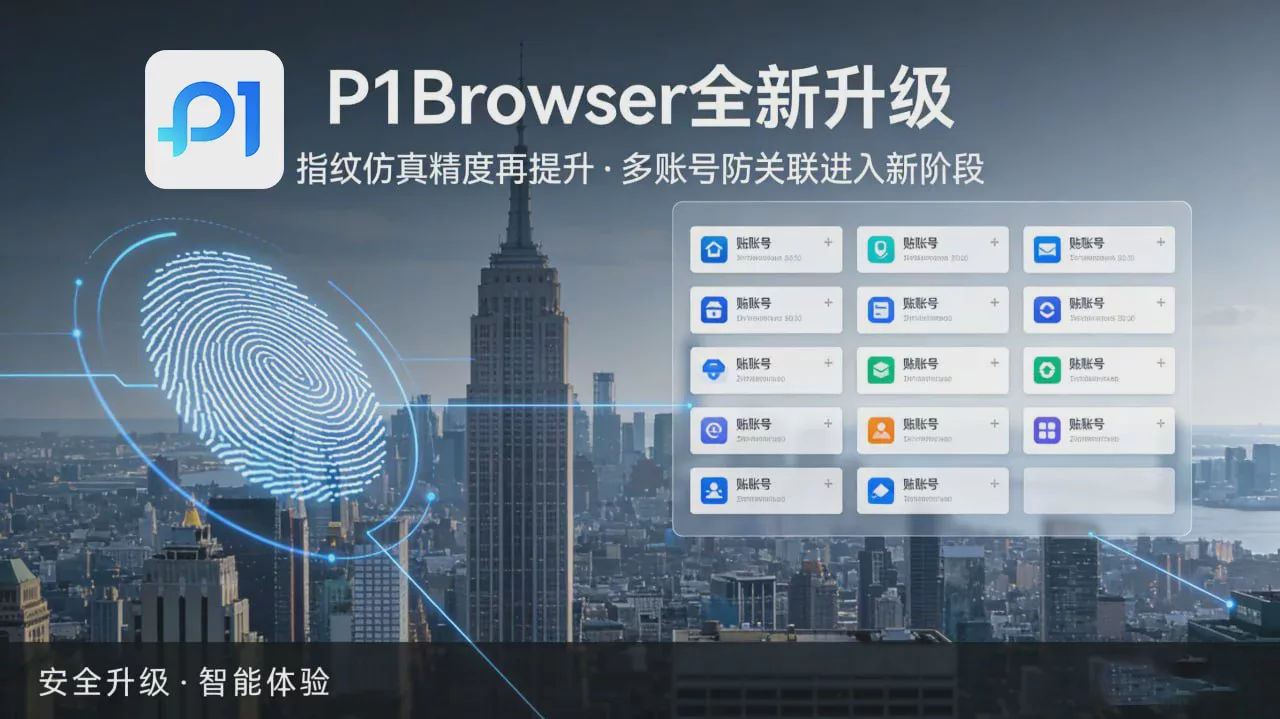
P1Browser is a professional anti-association fingerprint browser deeply customized based on Chromium, developed by 未来能量(上海)信息科技服务有限公司 and designed specifically for scenarios such as cross-border e-commerce, social media matrices, advertising campaigns, brand marketing, and privacy protection. Based on P1Browser’s core technical features and industry best practices, this guide provides standardized and actionable fingerprint generation solutions covering fingerprint generation logic, parameter configuration, scenario adaptation, risk avoidance, verification, and optimization, helping users build independent browsing environments with high security, stability, and compliance while preventing account association, risk-control bans, and privacy leaks at the source.
II. Core Principles of P1Browser Fingerprint Generation
P1Browser usesA virtualized device environment + independent fingerprint isolation + proxy IP bindingTrinity technology simulates each browser profile as a “brand-new independent device,” with fingerprint generation based on three core principles:
-
Full-Dimension Fingerprint CoverageComplete simulation of UA, Canvas, WebGL, AudioContext, Font, WebRTC, GPU, resolution, time zone, language, hardware serial number, and 20+ other core fingerprint dimensions, with no omissions across platform detection points.
-
Intelligent Noise InjectionFor top-tier fingerprint recognition algorithms, compliant random noise is added to fingerprint parameters to avoid being identified as a virtual machine/emulator while ensuring fingerprint stability.
-
Complete Environment IsolationEach profile independently maintains its own Cookie, LocalStorage, cache, plugins, and browsing history. Process-level isolation prevents memory sharing and cross-identification, ensuring interference-free parallel operation across multiple environments.
III. Basic Fingerprint Generation Configuration Standards (Required)
(I) Basic Environment Parameters (Strictly Bound to the IP)
Basic parameters must strictly match the proxy IP region and the target platform's rules. Configurations with contradictions such as “US-region IP + Chinese system + Asian time zone” are prohibited.
|
Parameter Category
|
Configuration Requirements
|
Example
|
|---|---|---|
|
Operating system
|
Prioritize mainstream systems in the target market (Windows 10/11、macOS 13+), and avoid outdated systems (such as Windows XP)
|
US site: Windows 11 64-bit; European site: macOS Sonoma
|
|
Browser engine
|
Fix the Chromium stable version (such as versions 120-125); frequent cross-version switching is prohibited
|
Chrome 124.0.6367.60
|
|
Language/time zone
|
Match the IP location 100%, with support for multilingual combinations (such as English + Spanish)
|
US IP: en-US、UTC-5; UK IP: en-GB、UTC+0
|
|
Screen resolution
|
Simulate mainstream device dimensions (1920×1080、1366×768、2560×1440), with DPR set to 1.0-2.0
|
Laptop: 1366×768; Desktop: 1920×1080
|
|
Hardware information
|
CPU cores (4-8 cores), memory (8-16GB), and GPU model (mainstream NVIDIA/AMD models), conforming to real device specifications
|
Intel i5-12400, 16GB RAM, NVIDIA GTX 1650
|
Core Fingerprint Parameters (Key to Preventing Detection)
-
UA and Client Hints:Use the P1Browser built-in “real UA library”; manual fabrication is prohibited. Enable automatic Client Hints adaptation to keep them consistent with the UA and OS version.
-
Canvas/WebGL:Enable “smart noise injection” to randomize rendered pixel values; simulate the rendering capabilities of a real graphics card using WebGL parameters. All-zero or fixed values are prohibited.
-
WebRTC:By default, “Block public IP leaks” is enabled; select the “Proxy IP replacement” mode. Disable local network discovery to prevent the real IP from being captured.
-
Font list: Enable “Randomize Mainstream Font Subsets,” including fonts commonly used in target regions (e.g., English: Arial, Times New Roman; Chinese: Microsoft YaHei, SimSun), and prohibit combinations of empty fonts or obscure fonts.
-
AudioContext: Enable audio fingerprint randomization, simulating differences in audio rendering across devices to avoid being identified as a uniform virtual machine environment.
Proxy IP Configuration (Core to Prevent Association)
-
Protocol Selection: Supports all HTTP/HTTPS/SOCKS5 protocols; prioritize SOCKS5 (strongest compatibility and lowest leakage risk).
-
IP Type: For cross-border e-commerce/social media account nurturing, prioritizeResidential IP(real household devices, high reputation); can be paired withStatic Data Center IP(high stability).
-
Binding Rules:Strictly follow the “one account, one IP, one fingerprint” rule. The same IP must not be bound to multiple fingerprint environments; the IP usage cycle must be ≥14 days to avoid frequent switching.
-
Detection Mechanism:Enable P1Browser’s “IP Cleanliness Detection + Automatic Proxy Failure Blocking” to ensure there are no DNS leaks and that the IP geolocation matches the fingerprint.
IV. Optimization Plan for Scenario-Specific Fingerprint Generation
(I) Cross-Border E-Commerce Scenarios (Amazon, Shopee, TikTok Shop, etc.)
-
Fingerprint Strategy:Use a “stable fingerprint” strategy. Reuse the same fingerprint parameters for the same store over the long term, and do not modify them arbitrarily; generate differentiated fingerprints for bulk stores, with a parameter repetition rate of ≤0.01%.
-
Special Configuration:Enable “payment environment isolation” and store payment cookies separately; simulate real buyer behavior (browsing → adding to cart → placing an order at 10-30-second intervals) to avoid mechanical operations.
-
Regional Adaptation:North American sites: English + Eastern/Western U.S. time zones + Windows 11; Southeast Asian sites: local language + corresponding time zone + a mixed simulation of mobile and PC use.
(II) Social media matrix scenarios (Facebook, Instagram, TikTok, YouTube, etc.)
-
Fingerprint strategy:Adopt a “dynamically stable fingerprint,” keeping the basic parameters fixed while slightly randomizing minor parameters (such as fonts and resolution) to balance anti-association measures and account activity.
-
Behavior simulation:Enable P1Browser’s “human behavior simulation,” including randomized mouse trajectories, typing delays, and page scrolling speeds, to avoid being identified as a bot.
-
Device adaptation:Supports mobile fingerprint simulation (iPhone 15 and flagship Android devices) and adapts to the detection rules of in-app social media browsers.
(III) Advertising campaign scenarios (Google Ads, Meta Ads, TikTok Ads, etc.)
-
Fingerprint strategy:Adopt a “high-entropy fingerprint” (entropy ≥128bit) and enable AI-based dynamic generation to avoid being identified through clustering by advertising platforms.
-
Configuration focus:Disable “ad tracking permissions” and block third-party Cookies; automatically adapt TLS/JA3 fingerprints to the IP type to prevent risk controls from being triggered by fingerprint mismatches.
-
Batch ManagementUse P1Browser’s “Batch Create/Export/Import” features to manage profiles by advertising account, with one-click environment switching supported.
(IV) Privacy and Security Scenarios (Anonymous Browsing, Data Research, and Anti-Tracking)
-
Fingerprint StrategyAdopt an “ultra-anonymous fingerprint” with randomization across all dimensions, generating a completely new fingerprint for every visit; enable “incognito isolation” and disable all storage permissions.
-
Core ConfigurationForce-block WebRTC, Canvas, and font fingerprint tracking; enable “proxy IP rotation” (set the rotation interval to 1-24 hours as needed).
-
Trace CleanupAutomatically clear the cache, browsing history, and extension data every time the environment is closed, leaving no operational traces.
V. Fingerprint Generation Prohibitions and Risk Mitigation (Official Red Lines)
(I) Absolutely Prohibited Actions
-
Do not copy fingerprint parameters across environments to avoid creating a “fingerprint cluster” that may be flagged in bulk by platforms.
-
Do not use low-quality, free, or shared IPs, as such IPs are easily associated with others’ violations and may result in a related ban.
-
Do not frequently switch environments (≤5 minutes) or IPs (>1 time/day) within a short period, as this may trigger the “frequent device change” warning.
-
Do not use contradictory fingerprint parameters (e.g., an outdated operating system + the latest browser, or high-end hardware + low resolution), as this does not match the logic of a real device.
-
Do not disable P1Browser’s “anti-leak detection,” as this may expose your real IP and hardware information.
(II) Common Risks and Solutions
|
Risk Type
|
Triggering Cause
|
Solution
|
|---|---|---|
|
Account Association
|
Repeated fingerprint parameters, shared IPs, and cross-environment use
|
Generate a unique fingerprint for each environment, use one IP per account, and prohibit cross-environment logins
|
|
Risk-Control Ban
|
Low fingerprint entropy, mechanical behavior, and poor IP reputation
|
Enable high-entropy generation, simulate human behavior, and use clean residential IPs
|
|
Privacy leakage
|
WebRTC is not blocked, and the proxy is configured incorrectly
|
Force-enable WebRTC blocking, enable proxy failure interception, and check the IP regularly
|
|
Environment crash
|
Insufficient memory, parameter conflicts, and incompatible plugins
|
Ensure the device has at least 2-core CPU/4GB memory, disable conflicting plugins, and use the default configuration
|
VI. Fingerprint Generation Procedure (Official P1Browser Steps)
-
Download and install:Visit the P1Browser official website (https://p1go.com/) to download the Windows/Mac client, then complete registration and log in (email/mobile phone).
-
Create a new environment: Enter the console → click “Create Environment” → enter an environment name (e.g., “Amazon US Store No. 1”) → select a scenario template (cross-border e-commerce/social media/advertising/privacy).
-
Basic Configuration: Select the operating system and browser version → set the language, time zone, and resolution → bind a proxy IP (enter the IP, port, username, and password) → check the IP validity.
-
Fingerprint Generation: Beginners can click “Generate Randomly with One Click” (the system automatically matches the optimal parameters); advanced users can manually adjust advanced parameters such as Canvas, WebGL, and WebRTC → enable “Noise Injection.”
-
Verification and Optimization: Use P1Browser’s built-in “Fingerprint Detection Tool” plus third-party tools (BrowserLeaks, AmIUnique) to verify fingerprint uniqueness → adjust the parameters until no risks are detected → save the environment.
-
Batch Management: Batch-create environments of the same type → manage them in groups → export configuration files for backup → launch multiple environments in parallel with one click for operations.
VII. Fingerprint Stability and Compliance Assurance
-
Stability Assurance: Reuse the same fingerprint for the same account over the long term. P1Browser supports the “Fingerprint Lock” feature to prevent accidental parameter changes; regularly back up environment configurations to avoid data loss.
-
Compliance Requirements:Fingerprint generation must comply with the target platform’s user agreement and local laws and regulations, and must not be used for prohibited activities (such as fraudulent orders, infringement, or fraud); P1Browser only provides environment isolation tools, and users are responsible for their own actions.
-
Team Collaboration:Enterprise users can enable the “Operation Audit” feature to record members’ operation trails; multi-account permission assignment is supported to enable secure operations at scale.
VIII. Conclusion
The core of P1Browser fingerprint generation is “Realistic Simulation + Independent Isolation + Stable Consistency”. This guide provides the official standardized solution. Users may make flexible adjustments based on their specific business scenarios, but must strictly follow the basic configuration specifications and risk mitigation principles. By scientifically generating fingerprints, properly binding IPs, and simulating real user behavior, account association risks can be minimized to the greatest extent, enabling secure, efficient, and compliant multi-account operations.
To obtain the latest version of P1Browser, technical support, or customized fingerprint solutions, visit the official website https://p1go.com/ or contact official customer service.

