


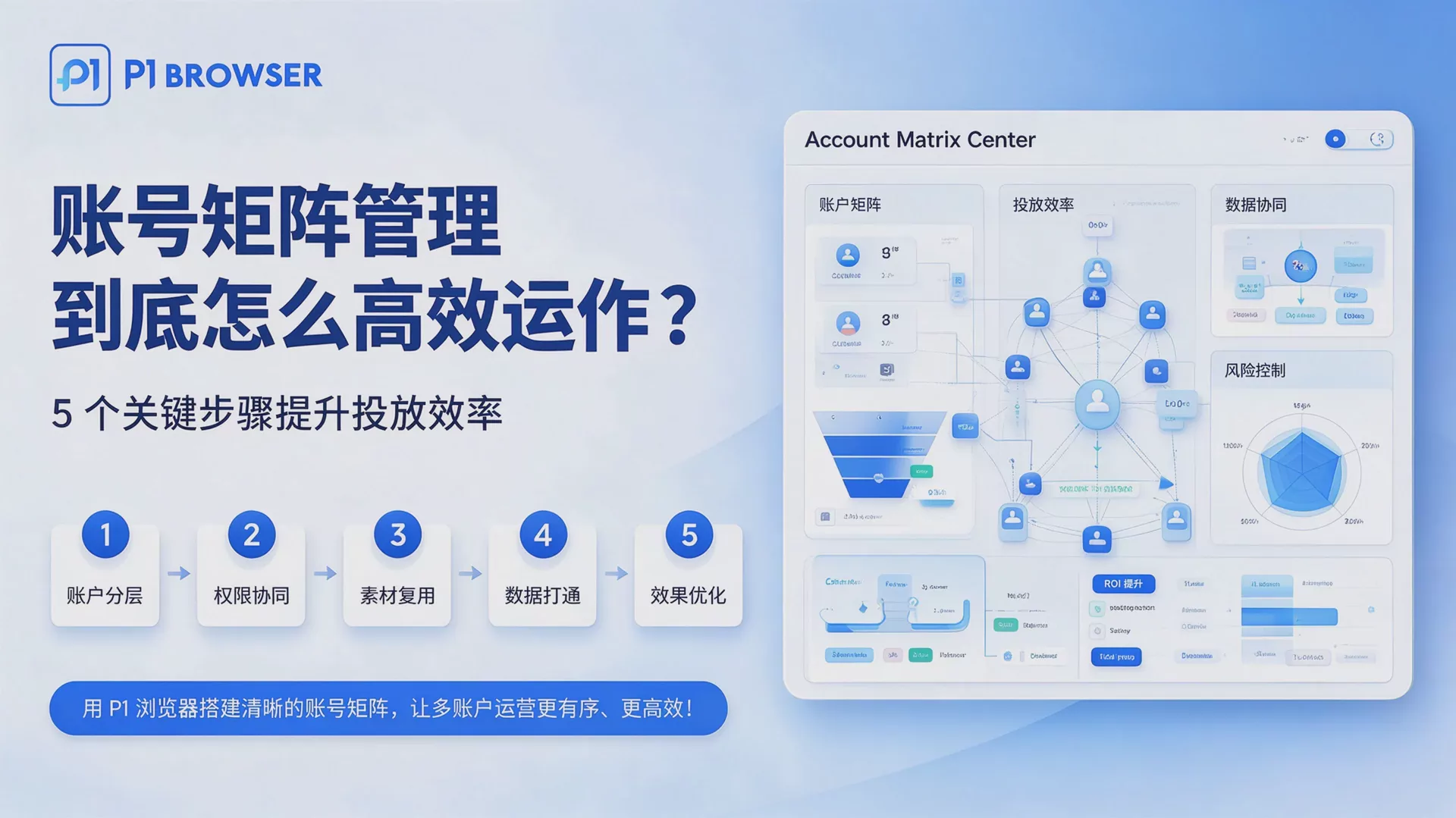
Operators switch among more than thirty browser tabs every day, with each account running separately, causing both associated risks and time costs to rise. This is the most common real-world scenario in account matrix management and the bottleneck most sellers encounter when expanding from a single store to multiple stores.
The core conflict in account matrix management lies in the tension between isolation and security, and between bulk operations and efficiency. Running one account in one browser environment is secure but cumbersome; sharing a browser is efficient but carries a high risk of association. The key to solving this problem is to establish configurable environment standards and use tools to systematize repetitive tasks—this is also the core problem that professional fingerprint browsers such as P1 Browser are designed to solve.
First step: Environment isolation—dual configuration of the fingerprint and network layers
Environment isolation is the foundation of account matrix management and also the area most prone to pitfalls. Opening multiple Chrome Profile instances does not achieve true isolation, because key parameters such as device fingerprints, Canvas information, and system configurations are still shared. To achieve compliant multi-account operations, isolation standards must be established simultaneously at both the fingerprint and network layers.
Fingerprint-layer isolation requires the following parameters to be configured independently:
- User Agent (User-Agent): Configure each account independently, matching the device type to the region it represents
- Canvas fingerprint: Randomize or fix independent values using the tool's built-in features to prevent browser rendering differences from exposing associations
- WebGL fingerprint: Independent GPU information and corresponding rendering parameters
- Audio fingerprint: Independently configure AudioContext parameters
- Language and time zone: Match the target market's region to avoid obvious anomalies such as "logging into a US website account from a Chinese IP"
Network-layer isolation requires ensuring that each account uses an independent residential IP proxy, with the IP region matching the region configured for the account. Using the same IP or sharing a proxy across multiple accounts is a high-frequency signal detected by platform risk-control systems.
In P1 Browser, the above fingerprint parameters and proxy bindings are configured independently for each Profile. When creating a new account, you can directly apply a regional template without manually checking each item. For specific anti-association configuration solutions and evaluation criteria, refer toP1 Browser Best Practices Guide for Fingerprint Generation, learn about the configuration details of the environment and device layers.
Step Two: Bulk Operations—Turning Repetitive Work into Systematic Tasks
Environment isolation solves security issues, but if each account still requires manual operation, the efficiency bottleneck cannot be overcome. To truly improve advertising efficiency through multi-account matrix management, repetitive operations must be transformed into tasks that can be executed in batches.
The core value of bulk operations lies in reducing the time cost. Take advertising as an example: the same ad creative needs to be uploaded, bids set, and targeting adjusted separately under multiple accounts. If these tasks are copied and pasted one by one, the time required and the risk of human error increase proportionally. Tools that support bulk creation, bulk editing, and bulk activation and deactivation can complete in one operation tasks that would originally take dozens of minutes.
For multi-account affiliate marketing scenarios, the benefits of bulk operations are even more apparent. Routine tasks such as affiliate link management, commission data aggregation, and account status checks can be configured as scheduled tasks through bulk tools, reducing the frequency of manual intervention (seeHow to Choose an Anti-Association Tool for Affiliate Marketing).
When choosing a tool that supports bulk operations, you should focus on whether it can meet both isolation security and operational efficiency requirements at the same time—P1 Browser's bulk creation and bulk proxy import features are designed specifically for this scenario. For the detailed workflow, seeFrom Environment Creation to Bulk Management: A Tutorial.
Step Three: Permissions and Collaboration—A Key Element of Enterprise Multi-Account Management
When the number of accounts expands to an enterprise scale, permission management becomes an important factor affecting efficiency and security. Improper authorization management can lead to unauthorized operations, data leaks, and even association risks caused by team members' operational errors.
The permission design for enterprise multi-account management should follow the principle of least privilege: each member should receive only the account access permissions and scope of operations necessary to complete their work. Common configuration methods include assigning permissions by account group, grading permissions by operation type (such as read-only, editable, and launch campaigns), and setting up approval workflows to control sensitive operations.
Team collaboration also requires unified account naming conventions and documentation. When multiple members manage an account matrix simultaneously, the lack of consistent naming can make troubleshooting difficult; incomplete operation logs make it impossible to trace issues when they arise. It is recommended to establish clear naming rules for each account, such as "Platform_Site_Category_Creation Time", and enable operation log recording in the tool.
The P1 Browser Team Edition supports assigning Profile access permissions by member, allowing administrators to view the status of each account in the backend without sharing login credentials. For specific configuration methods, refer toTeam Collaboration + Environment Isolation Solution. Permission management and account naming systems mark the dividing line between managing an account matrix as an individual and managing it as an enterprise. Once standardized practices are established, management confusion will not arise as the team expands.
Step Four: Data Tracking and Performance Attribution
Improving the efficiency of account matrix management is reflected not only at the operational level but also at the data level. When multiple accounts operate in parallel, it is impossible to determine which account, set of creatives, or advertising strategy is truly generating results without a clear data attribution system.
The key to establishing a data tracking system is standardizing data definitions: each account's advertising data, conversion data, and cost data need to be compared along the same dimensions. Use UTM parameters to track traffic sources from different accounts and set up independent conversion pixels to ensure accurate data attribution.
Step Five: Continuous Optimization and Risk Control
Account matrix management is not a one-time configuration but a process of continuous optimization. Platform risk control rules may change, market conditions may shift, and account status needs to be inspected regularly.
It is recommended to establish the following inspection mechanisms:
- Check the login status and environment parameters of each account every week
- Compare the advertising data of each account monthly to identify accounts with abnormal performance
- Monitor changes in platform policies and adjust operational strategies in a timely manner
In terms of risk control, the most important principle is not to put all your eggs in one basket. The scale and diversification of your account matrix should match your business objectives, avoiding excessive concentration that could allow a problem with one account to affect the entire business.
If you are concerned about environment isolation, bulk operations, or team permissions for your account matrix, you can learn more about P1 Browser—the five steps mentioned in this article, from fingerprint configuration to the team collaboration panel, all have corresponding features available there.
Frequently Asked Questions
Can using multiple instances of a regular browser achieve account isolation?
No. Multiple instances of a regular browser share key parameters such as device fingerprints, Canvas information, and system configurations, enabling platforms to identify connections through these shared signals. You need to use a professional tool that supports fingerprint isolation to achieve true multi-account environment isolation. For specific differences, seeP1 Browser vs. Leading Fingerprint Browsers: A Comparative Review.
What is the relationship between proxy IP and fingerprint isolation?
Both must be configured simultaneously to establish complete isolation. Fingerprint isolation addresses the risk of associations at the device and browser levels, while proxy IP addresses the risk of geographic and IP associations at the network level. If either layer is missing, the platform may identify the accounts as related.
What is the optimal number of accounts for enterprise multi-account management?
There is no fixed standard; it depends on the business needs and the team's capabilities. The key is to establish a permissions system and operating procedures that match the number of accounts, avoiding management chaos as the number of accounts grows. It is recommended to start on a small scale, gradually establish operational processes, and then expand.
How can you determine whether accounts have been linked by the platform?
Common signals include multiple accounts receiving review notifications at the same time, abnormal correlations in traffic data across different accounts, and platform notifications indicating that accounts are linked. Specific handling should follow official notifications and policies, as risk-control logic and penalty methods vary across platforms.
What tools are needed to support account matrix management?
Core tools include browsers that support fingerprint isolation, dedicated residential IP proxy services, and data-tracking tools. Depending on the team size and business complexity, collaboration management and automated task tools may also be needed. When selecting tools, focus on whether they meet both isolation security and operational efficiency requirements.

